How-To Home
Placefetch is an easy-to-use interface and will let you achieve your aims very quickly – but to get the best out of it it’s worth understanding its features in full so you you’re a data hero even sooner.
On the left is a menu of all how-to guides, and below are the two most important topics – how to get started and how to get your Google API key.
TOP TIP: Start small – searching large areas uses up your Placefetch allowance faster if you are on the Free subscription, so get to grips with a small area search. If you are just getting started, search for something relatively uncommon, like a bowling alley or cinema so you aren’t inundated with results.
Get Started – How to Get Placefetch
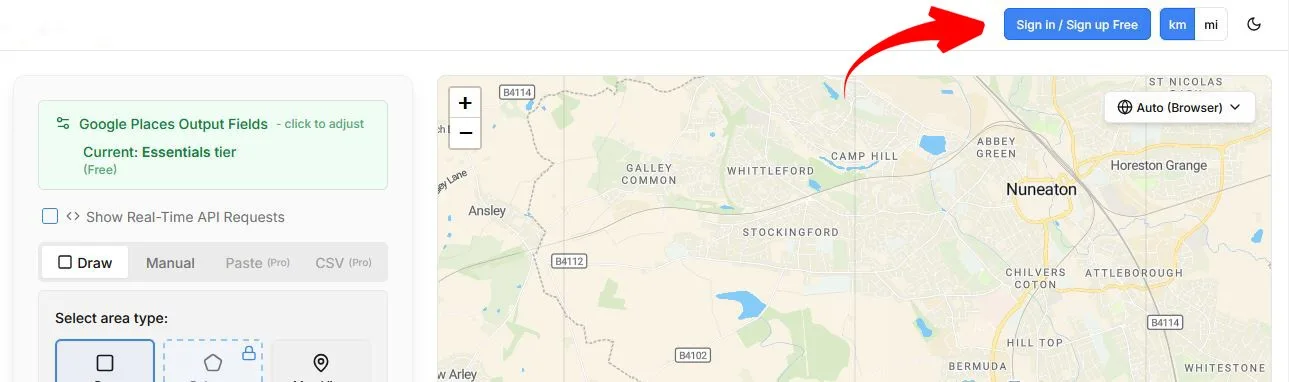
Placefetch is a cloud hosted system which you can access by going to app.placefetch.com and clicking the “Sign in / Sign Up Free” button . You will need to create a Replit account to be able to use it (which is free and easy) and then sign in either Google, Apple, GitHub, X or Email. You may need to perform a verification step to approve login, and you definitely need to if you use email – so check your inbox for a message.
Every once in a while you might get “Invalid authentication request” – in which case just go back to app.placefetch.com/api/login and try again.
How to Get A Google Places API Key
This is the necessary piece of the puzzle for you to get Placefetch to work. If the key is not in place or it hasn’t been set up correctly, it will not work.
We’ve got an entire step by step guide to help you go through the process which should only take a few minutes.
Go to the guide here: Get Your Google Places API Key Guide
You’ll need a Google account, which you can set up in the process if you don’t have one, and also a payment card even if you plan on not using the system enough to start incurring API costs – it’s a Google security measure.
Once you’re all set up, start working through the menu items on this page to learn more about the functions of Placefetch.
